


At a glance
- We provide information and guidance on the CoastAdapt tool, Shoreline Explorer
- We provide the link to access this tool and links to detailed guidance on its three datasets.
- The three datasets are sediment compartments, Smartline and DEA's Water Observations from Space
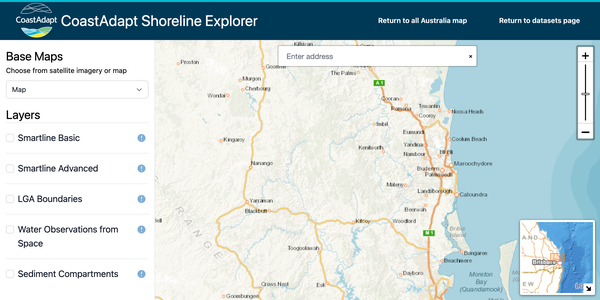
CoastAdapt's tool Shoreline Explorer contains data for exploring the characteristics of the Australian coast at the present-day. These characteristics are a guide to the sensitivity and vulnerability of the coast to inundation and erosion now and in the future.
There are three datasets in Shoreline Explorer that are briefly introduced below.
shoreline-explorer_overview

go to directly to the tool Shoreline Explorer
1. Sediment compartments and their characteristics
This summarises the available information on physical (i.e., ocean currents, geomorphology etc.) coastal risks for each coastal compartment in Australia.
Scientists have divided the Australian coast into 359 discrete units, or sediment compartments, within which there are broadly homogeneous features that may include geology, landform types, near-shore currents and sediment availability and movement. A compartment might be, for example, a bay lying between two headlands.
CoastAdapt provides descriptions and information for each sediment compartment around Australia. The compartment approach provides a spatial framework that integrates driving forces with landform type and condition to support and improve coastal risk assessments at regional scales under conditions of climate change.
a 'How to' on Shoreline Explorer: use a sediment compartment approach
2. Smartline
Smartline comes in a basic version and an advanced version. It is by far the most complex of the datasets in CoastAdapt, so you may wish to try the basic version first. It provides information on erodibility of the coastline based on geology.
Smartline was developed to provide a single, consistent map of coastal landforms for the entire Australian coast. The Smartline is a polyline representation of the geomorphic features located within 500 m of the high water mark to landwards and seawards. The Smartline map divides the coastline into distinct segments; within each, multiple GIS attributes describe the dominant coastal landforms.
Smartline is provided in CoastAdapt at two resolutions:
- At the simplest level, a single map layer can be used to display the coast classified into just five landform categories based on very broad differences in the composition and erodibility of coastal landforms.
- At the second level of detail, separate layers can be displayed showing the location and extent of more differentiated but still quite broadly-defined coastal landform types or groups, such as hard rocky shores (of several types, e.g., cliffed and sloping), sandy beaches (e.g., backed by bedrock or by soft sediment terrain), soft-rock shores of several types, and others.
a 'How to' on Shoreline Explorer: how to use Smartline
3. DEA Water Observation from Space (WOfS)
DEA Water Observations from Space (WOfS) (Geoscience Australia) provides information on present-day flood risk using satellite data.
WOfS displays historical surface water observations derived from Landsat 5 and Landsat 7 satellite imagery for all of Australia from 1987 to 2014. WOfS allows better understanding of where water is usually present, where it is seldom observed and where inundation of the surface has been occasionally observed by satellite. For each grid cell within the map, WOfS displays:
- the percentage of clear observations on which water was detected from 1987 to 2014 (i.e. the number of occasions water was detected divided by the number of clear satellite observations);
- the confidence (or probability) that a water observation in this location is correct. This is a percentage, based on a number of factors including the slope of the land and the existence of other corroborative evidence.
a 'How to' on Shoreline Explorer: use Water Observations from Space
You can also look at local government boundaries
Local government boundaries are also provided. You can look at more than one dataset at once.
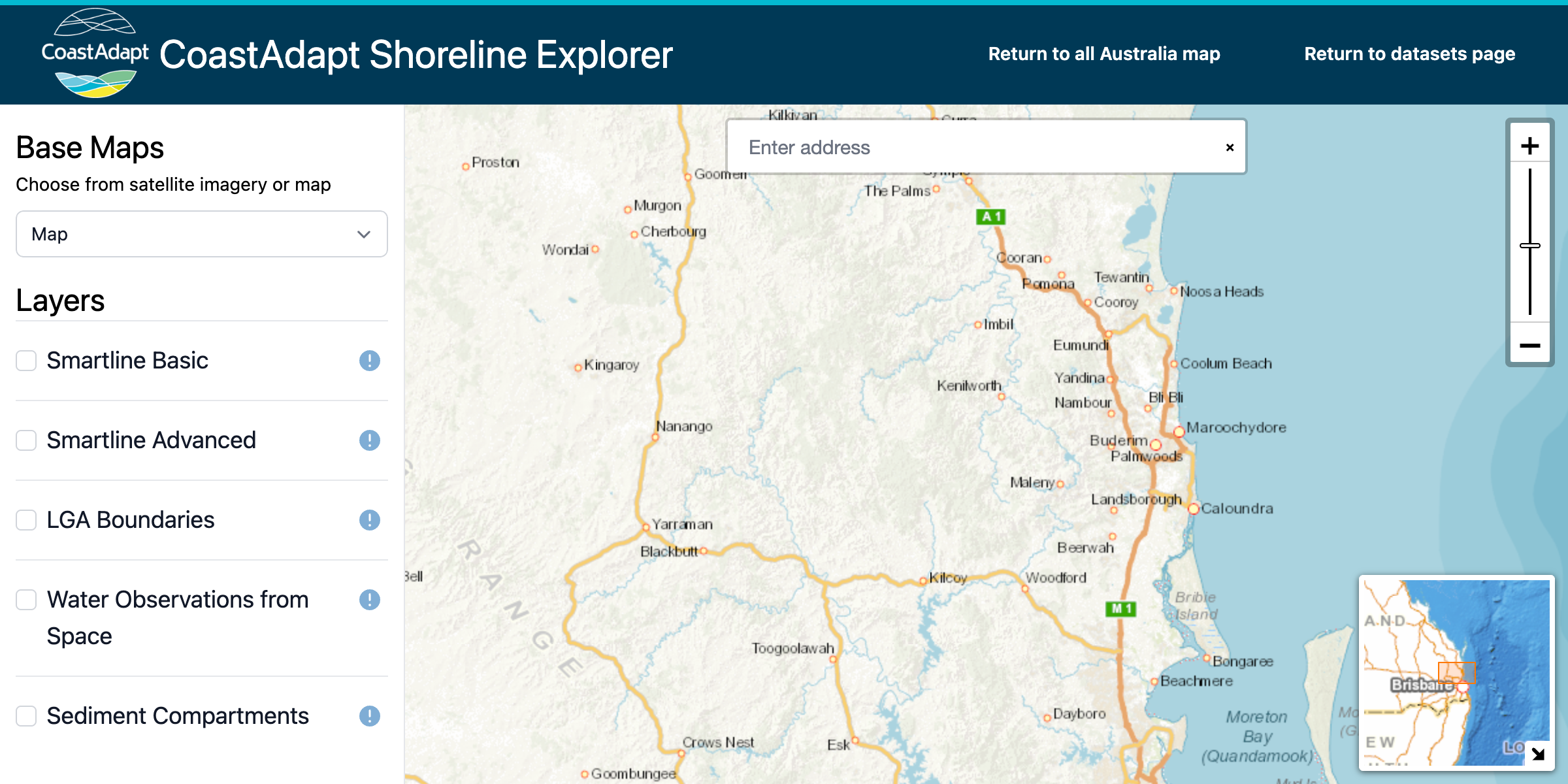
Each dataset has a horizontal slider bar below its name – this controls the transparency and opacity of the dataset. Sliding it to the left makes the data more transparent, and to the right more opaque.
Click on the link to go to the tool, Shoreline Explorer
.
shoreline-explorer_overview
- Open Shoreline Explorer.
You will see a page with short descriptions of the available datasets. - Select a dataset
Click on any Shoreline Explorer dataset link to open the interactive map of Australia. - Choose a base map
In the top-left corner of the map, select your preferred view:- Satellite image for a visually detailed map
- National colour map for place names and roads (recommended for locating specific areas)
- Display datasets
On the left-hand side of the screen, you’ll see a list of available datasets. Tick the box next to the dataset(s) you want to display on the map.
More CoastAdapt datasets
Acknowledgements
Sediment Compartment information was developed in a research project funded by the Australian Government through the Department of the Environment and managed by NCCARF. The project was led by NCCARF and Bruce Thom and the participants were Colin Woodroffe, Andrew Short, Chris Sharples, Nick Harvey, Matt Eliot and Ian Eliot.